Imaging
Shared imaging across Maryland's care network
Shared imaging across Maryland's care network
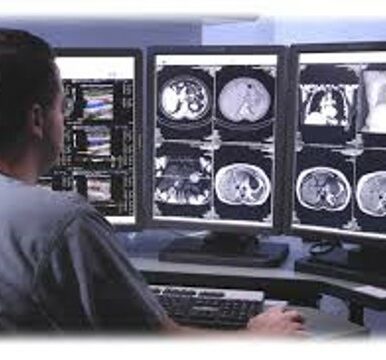
CRISP’s Image Exchange enables participating organizations to contribute their radiology imaging and imaging studies to a shared network — making those images available to clinical users statewide, regardless of where the patient was seen.
Any clinical user with access to a patient’s health record through CRISP Portal or InContext can view these images in full diagnostic quality, even if their organization is not an Image Exchange participant.
Interested in contributing images to the exchange? Email support@crisphealth.org to get the process started.
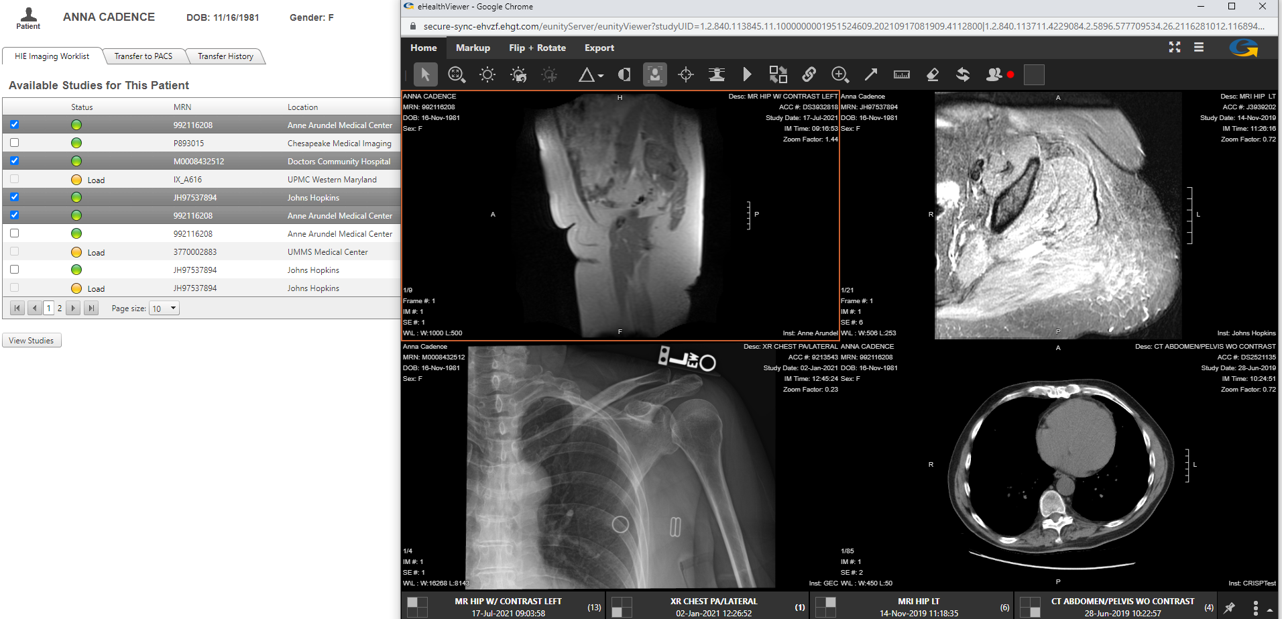
CRISP Clinical users have two ways to view images:
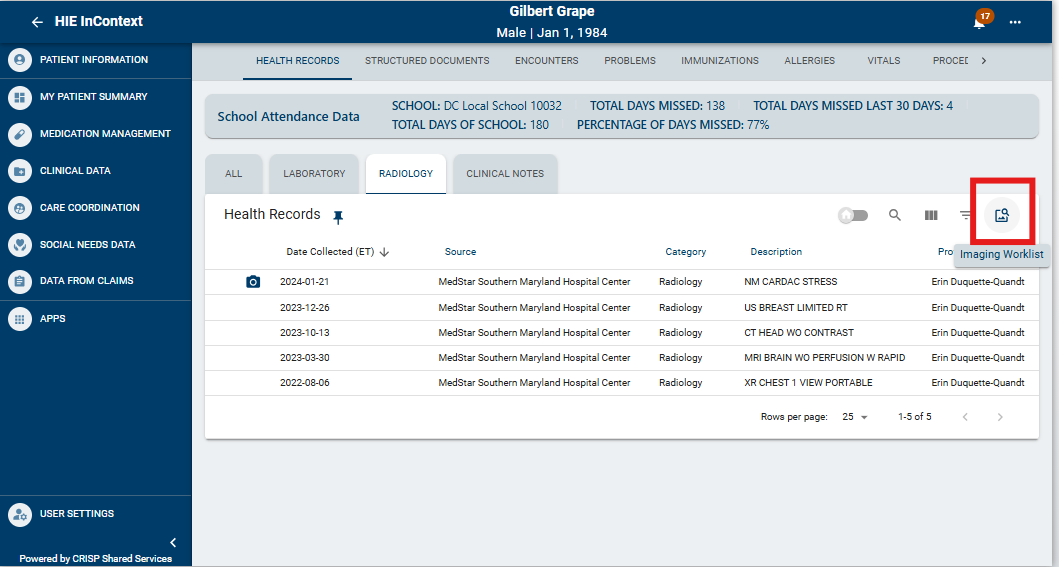
Users can access images and their corresponding Radiology or Cardiology reports within InContext or Clinical Information Service. These are available in the Radiology tab within the Health Records section.
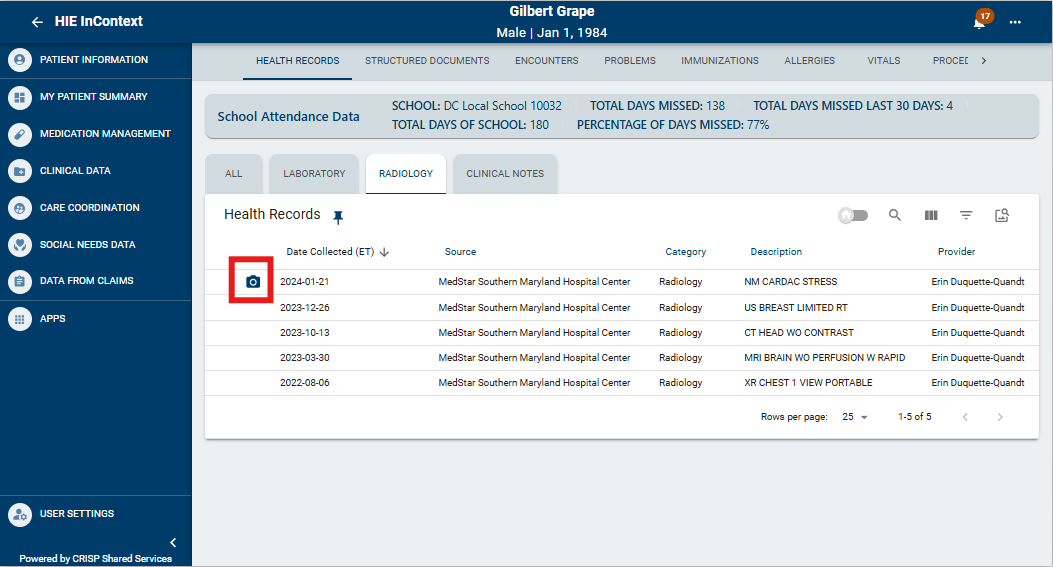
To access the Imaging Worklist, go to the Health Records tab, available within the Clinical Data section of InContext or Clinical Information Service. The Imaging Worklist icon will appear on any subtab within Health Records. Here, you can compare images from all organizations that contribute images to CRISP. The worklist contains up to 20 years’ worth of prior images from participating sites.
Transfer to PACS
Download external images from the Imaging Worklist to your local PACS*. Note: not all users will have access to this functionality. Access is determined by facility PACS administrator.
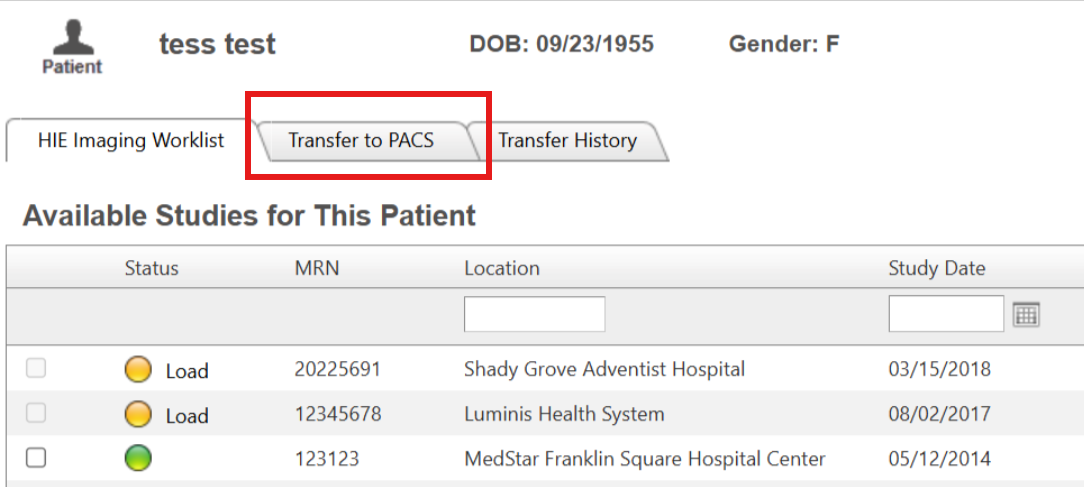
Image Exchange Webinar 4.11.24
Contact Us